Bluetooth 4.0 or newer
Required on your computer to connect wirelessly to a compatible device.
Follow the video and checklist below to connect a compatible device and synchronize a funscript with video playback.
 Watch tutorial on YouTube
Required on your computer to connect wirelessly to a compatible device.
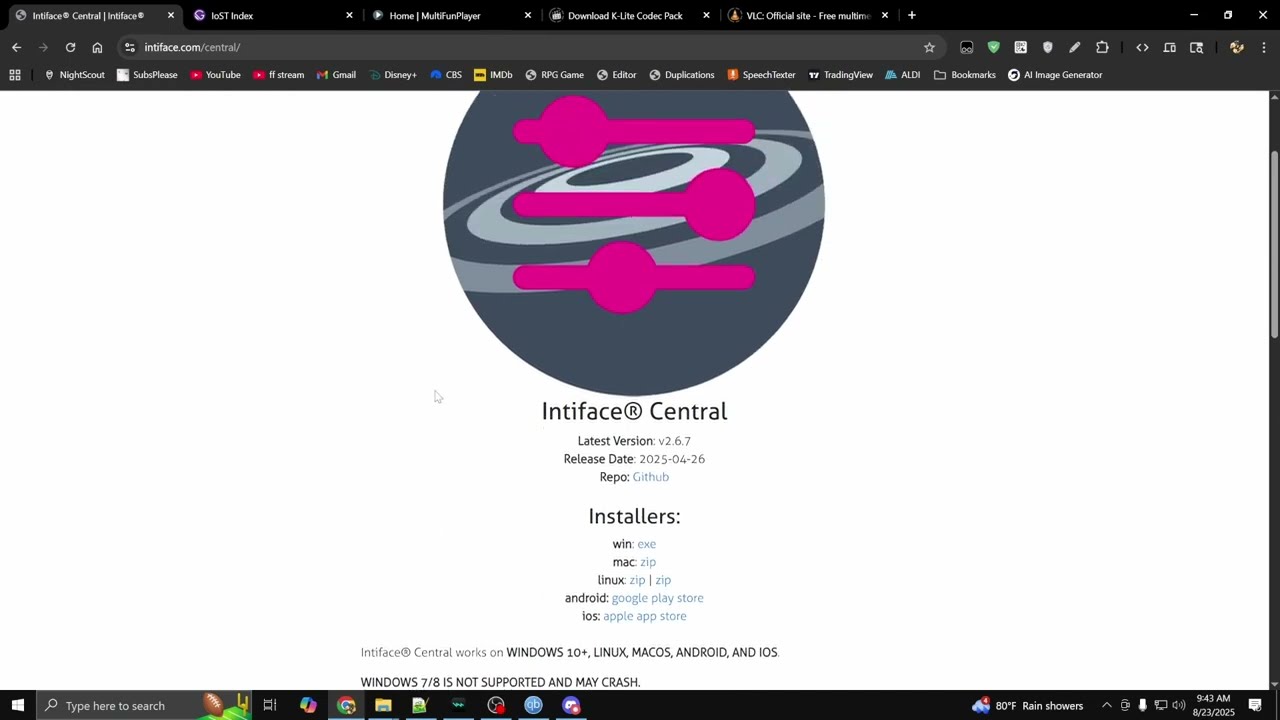
Connects supported haptic hardware to compatible applications.
Open official download or information pageCheck whether your device works with Intiface or Xtoys before setting everything up.
Open official download or information pageLoads funscripts, synchronizes playback, and sends motion to your device.
Open official download or information pageA supported video player option for local media playback.
Open official download or information pageAn alternative local video player available through the K-Lite Codec Pack.
Open official download or information pageThe standard release may ask you to install the .NET 8 Desktop Runtime. The self-contained release includes its runtime dependencies and is the easier option if you want it to work out of the box.
The tutorial uses an external 18+ demonstration video. The destination contains explicit adult content.
Open “The Perfect Loop” demo